

Free
Send VS Code and GitHub Copilot commands from an Android phone to your Windows PC.
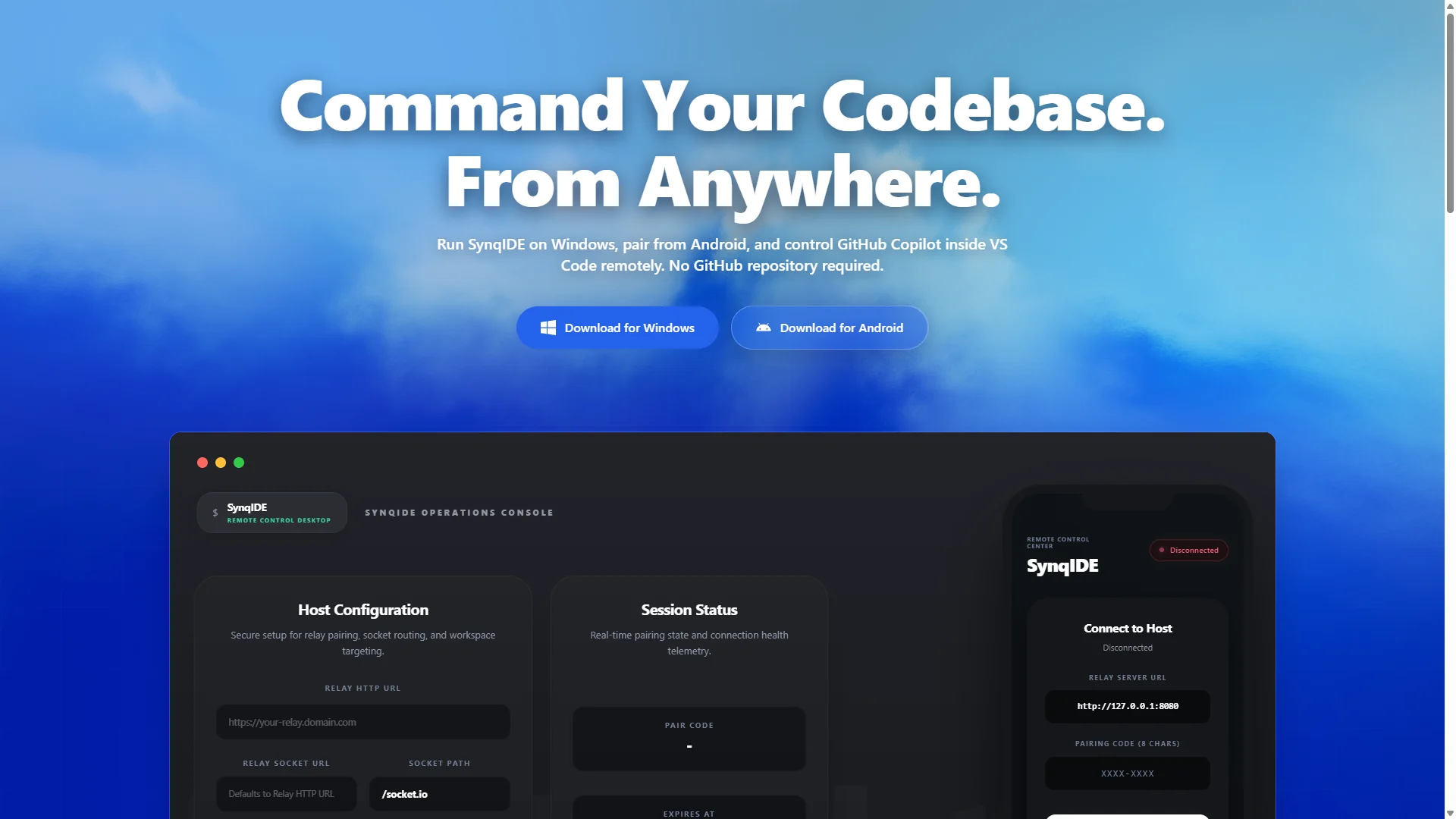
SynqIDE pairs an Android phone with a Windows development host so you can interact with a VS Code workspace remotely. Configure the relay address and workspace, connect using a pairing code, and send GitHub Copilot prompts or terminal commands from your phone. The published setup uses ngrok forwarding. A GitHub repository is not required for this remote-control workflow.
Developers away from their desk cannot easily continue a conversation with their local coding environment.
Connects a Windows development host and Android client through relay configuration and pairing codes.
No updates yet.
No reviews yet.
Sign in to reviewNo discussions yet.
Start a discussion