


Free
A local Windows workspace for temporary files, clipboard items, notes and focus tools.
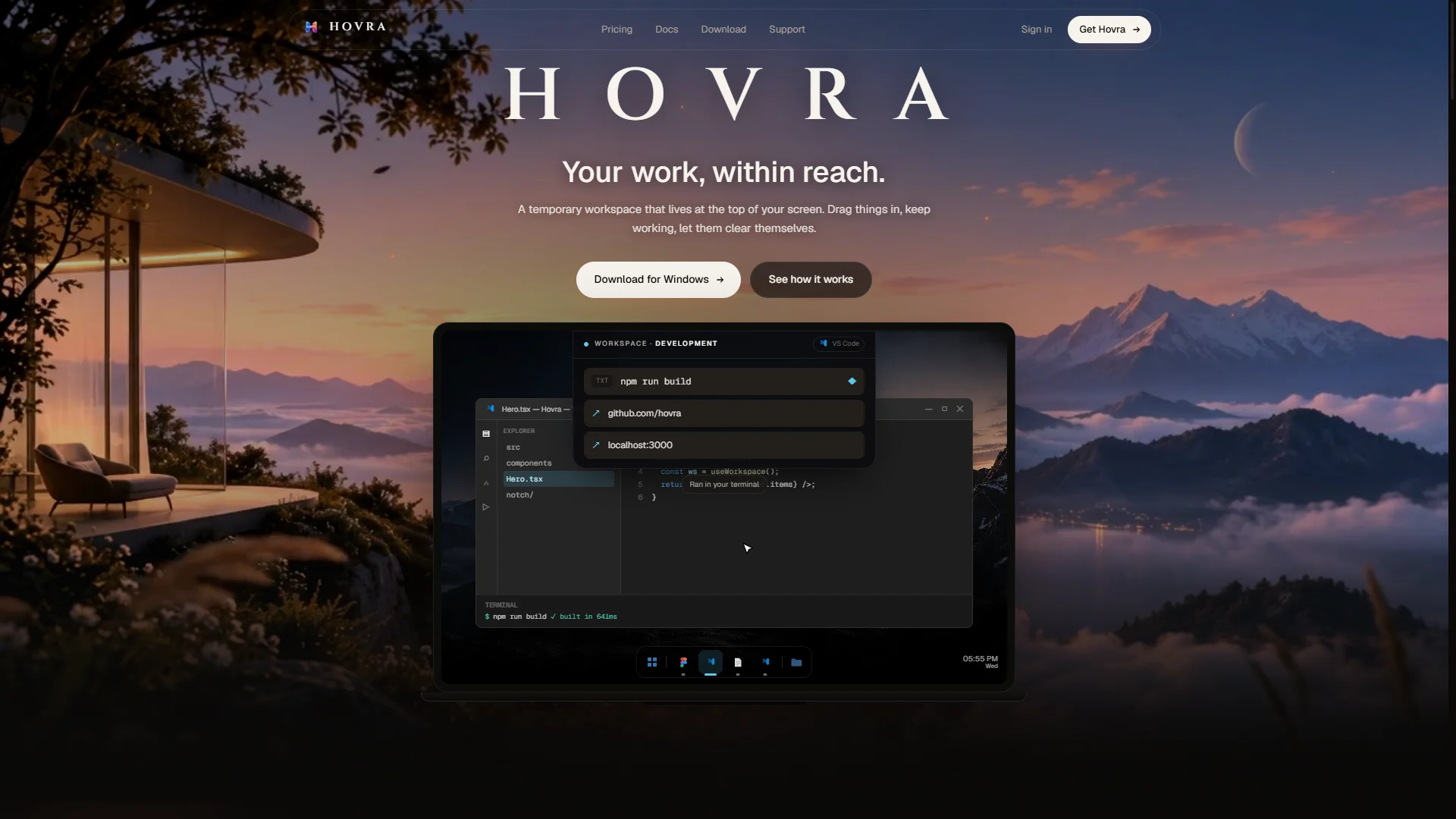
Hovra places a compact workspace at the top of your Windows screen. Drag in files, folders, images, links, or text, then drag them back into another application when needed. Temporary items clear after a chosen keep time; pinned items remain, and the original files are not moved or deleted. Separate workspaces can follow the active application. The panel also brings together notes, tasks, clipboard history, screenshots, timers, reminders, and other small tools. Core workspace features run locally without an in-app account or cloud sync.
Files, references, copied text, and quick notes become scattered across folders and applications, interrupting work and creating cleanup chores.
Keeps temporary working material and lightweight tools in an app-aware panel that is accessible by dragging, hovering, or keyboard shortcut.
No updates yet.
No reviews yet.
Sign in to reviewNo discussions yet.
Start a discussion